Picture your next idea.
Explore a visual direction with optional image generation, including Gemini. Save supported creations to Photos.


A private AI companion for your thoughts, your everyday tasks, and your next little idea.
Get PumliWrite, wonder and work with a model you choose. Download a compatible model, then keep the conversation going — even offline.
About 3B parameters active per token. Large models require compatible hardware and substantial storage.
Local conversations can stay on your device. No general Pumli cloud chat account. No need to send a local chat away just to get an answer.
Online tools are your choice. Enable a connection when you want it, review its access, and disconnect whenever you choose.
Explore your privacy choices →Bring notes, documentation and web search into the conversation. Add supported remote MCP connections or choose the iPhone actions you want to use.
 Notion
 GitHub
 Context7
 Exa
Exa Microsoft Learn
 Google Search
And the familiar tools on your iPhone
Optional connections. Clear permissions. More to explore as Pumli grows.
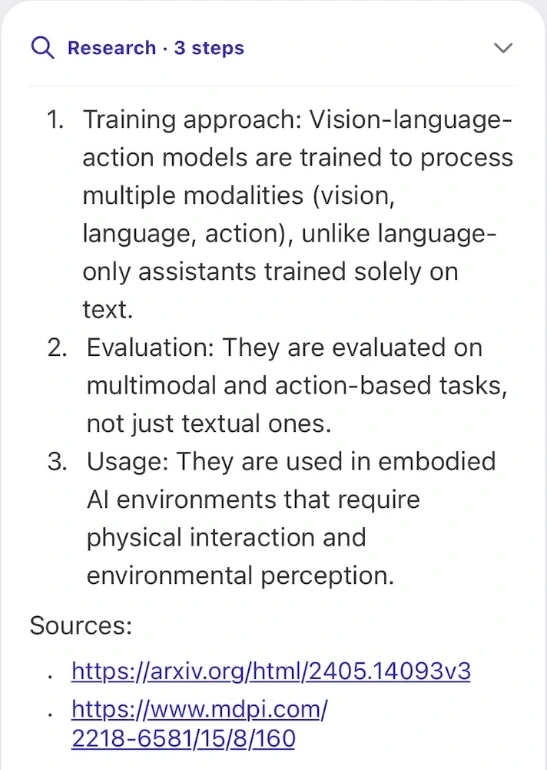
Research mode breaks a bigger question into steps, uses enabled tools and brings sources back to the conversation. Choose a depth, follow progress, and check the links yourself.
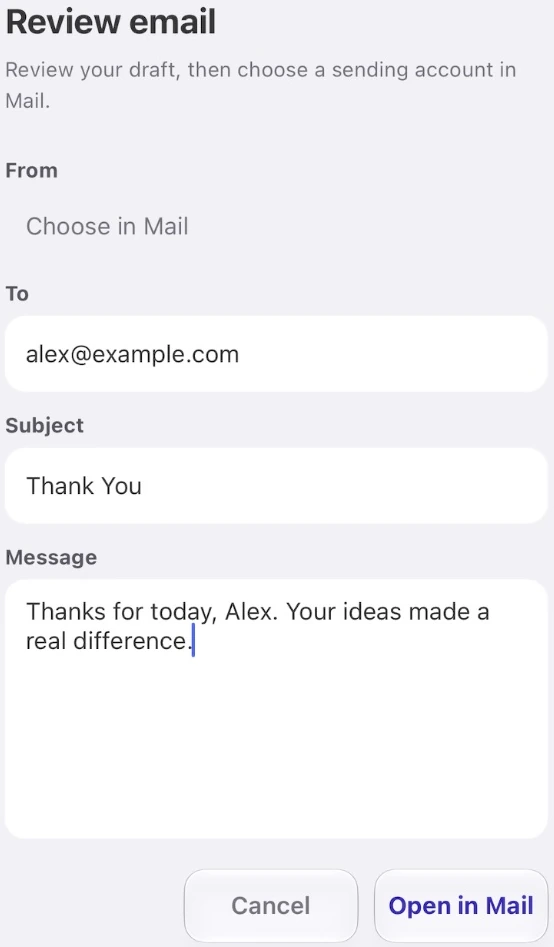
Ask for a thoughtful draft. Edit the recipient, subject and message in one place. Then open Mail, choose your account and send when you are ready.
Pumli 3.0 uses a Mail handoff. Direct Gmail and Outlook account connectors are not included in this release.
Bring your own eligible provider key to the online creative tools. A prompt, a reference, a new possibility.
Explore a visual direction with optional image generation, including Gemini. Save supported creations to Photos.
Turn a prompt or reference image into a video using your selected Seedance provider. Create, preview and save.

Image and video generation are online services. Provider accounts, availability, safety rules and usage fees apply.
Use local dictation or optional online realtime voice. Give your assistant a name, shape its instructions, and review or edit the memories you choose to keep.

Downloaded compatible models and local dictation can run on your device. Search, remote connectors, online models, realtime voice and image or video generation require internet access and send the information needed for the task to your chosen provider.
No. Compatibility, memory, available storage and speed vary by device and model file. MiniCPM-V 4.7 35B-A3B has 35 billion total parameters and about 3 billion active per token. Choose a smaller compatible model when that better fits your device.
Local model inference does not need an online model key. Some online AI, search and remote connectors require your own account, key or authorisation. You pay any provider fees directly under that provider’s terms.
Only the capability and permissions you enable. Depending on the service, tools may read or change data. Review the actual request, choose your approval policy and revoke access when you no longer need it. Important actions and AI answers should always be checked.
Email [email protected]. Please do not include passwords, API keys or unrelated private records. Our Privacy Notice and Terms of Use explain data handling, responsibilities and your rights.
Start locally. Connect thoughtfully. Make it yours.
Get Pumli